A Practical Guide to Database Migration Patterns at Scale
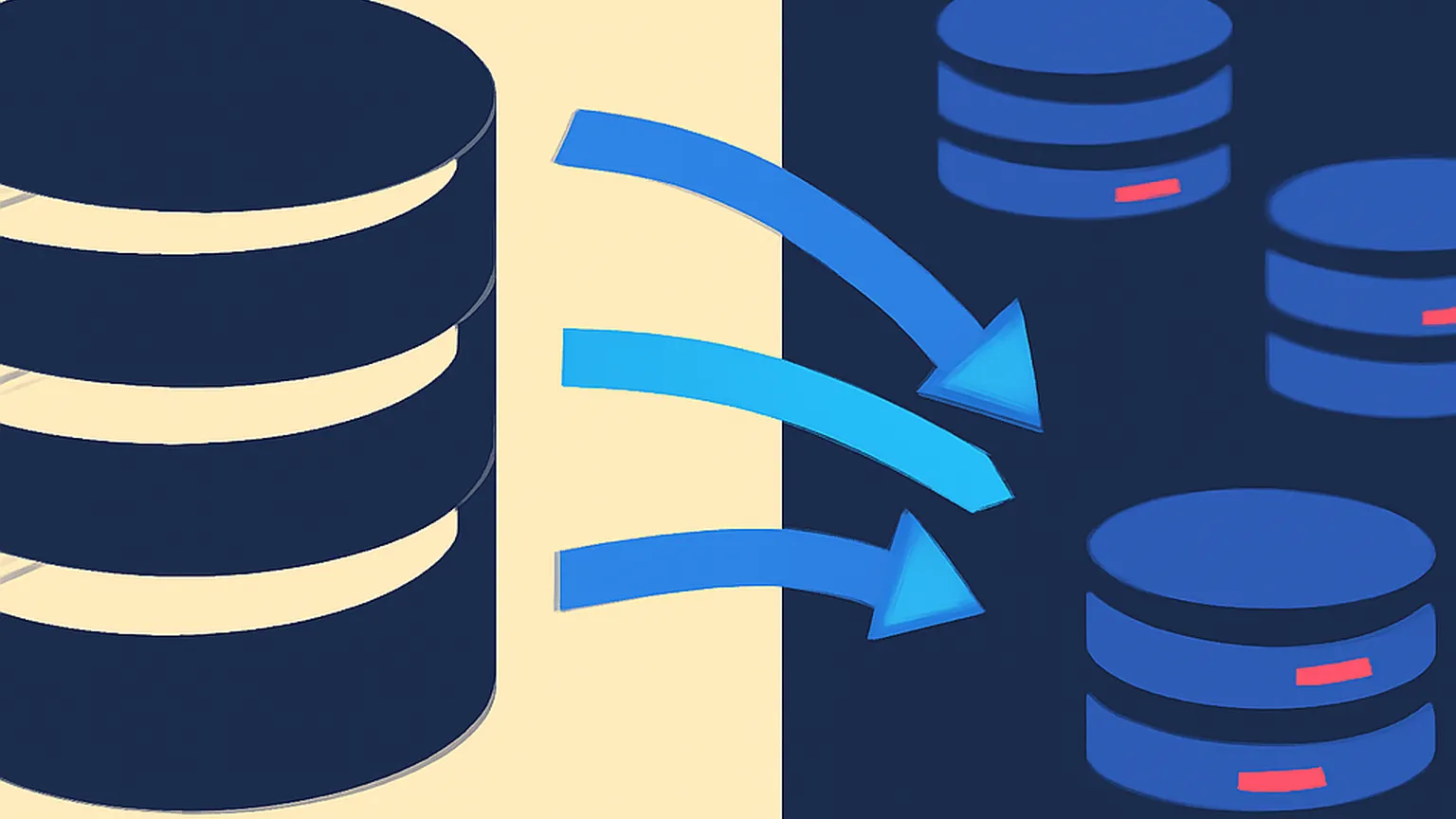
Migrating a high-traffic production database is often compared to changing an airplane engine mid-flight. At scale, the luxury of a maintenance window disappears, replaced by the necessity of zero-downtime strategies that maintain data integrity across disparate consistency models. This guide outlines the architectural patterns required to move state between systems while navigating the inevitable trade-offs between availability and consistency.
Why Database Migrations Fail
Most database migrations do not fail because of a lack of data compatibility; they fail due to a lack of operational rigor during the transition period. In a distributed environment, the primary failure mode is “silent corruption”—a state where the source and target databases drift apart because of race conditions, unhandled retries, or misunderstood consistency guarantees. When moving from a monolithic relational store to a distributed NoSQL engine, teams often underestimate the complexity of managing state in two places at once.
Failure also stems from a lack of observability. Without granular metrics comparing the performance of the new system against the old, teams may cut over to a target that cannot handle the specific query patterns of production traffic. Latency spikes in the new system can cascade through the application tier, leading to a site-wide outage that forces a panicked, unpracticed rollback. Finally, many migrations fail because the “point of no return” is not clearly defined. Without a rigorous validation phase, teams find themselves in a “split-brain” scenario where some data resides only in the new system while other data remains in the old, making a clean rollback impossible without significant data loss.
Step 1: Map the BASE/ACID Gap Between Source and Target
The first technical hurdle is reconciling the fundamental differences in how the source and target databases handle state. Most modern migrations involve moving away from the relational model many migrations are moving away from, which prizes immediate consistency and normalized structures. When moving to a NoSQL engine, you are typically moving toward a BASE (Basically Available, Soft state, Eventual consistency) model. This shift requires a deep understanding of the BASE/ACID vocabulary migrations must reconcile before a single line of migration code is written.
Mapping the gap involves more than just translating SQL schemas to JSON documents or column families. You must identify which application-level invariants were previously guaranteed by the database—such as unique constraints or foreign key integrity—and determine how the application will enforce these in a distributed environment. If the target system lacks multi-record transactions, your migration strategy must account for partial failures during the dual-write phase. This stage is also where you define your “source of truth” strategy. For the duration of the migration, the legacy system usually remains the authoritative source, but you must plan for the exact moment when that authority transfers to the new system, ensuring that the application logic is prepared for the latency and consistency profiles of the new engine.
Step 2: Implement Dual-Write
Dual-writing is the cornerstone of zero-downtime migrations. In this pattern, the application is modified to send all incoming writes to both the legacy database and the new target database. This ensures that any data created or modified after the migration starts is present in both systems. However, implementing this correctly requires careful consideration of CAP trade-offs during a live migration window. To prevent the migration from impacting user-facing latency, the write to the target database is often performed asynchronously or via a background task, but this introduces the risk of the two systems falling out of sync if the secondary write fails.
The standard approach is to write to the source database first. If that succeeds, the write to the target is attempted. If the target write fails, it must be logged and retried, or the record must be flagged for reconciliation. You cannot simply ignore failed writes to the target, as this creates “data holes” that are difficult to patch later. Furthermore, you must handle the order of operations: if two updates to the same record happen in quick succession, you must ensure they are applied to the target in the same order they were applied to the source. This often involves using version clocks or timestamps to resolve conflicts, effectively implementing a lightweight version of the consensus protocols used by the databases themselves.
Warning: Never make the success of the primary write dependent on the success of the secondary write unless your application can tolerate the increased latency and the risk of “double-failures” where both systems become unavailable.
Step 3: Backfill Historical Data
While dual-writes capture new data, you still need to move the “cold” historical data from the source to the target. This process, known as the backfill, must run in parallel with the dual-write phase. The challenge here is the “moving target” problem: how do you backfill a record that is simultaneously being updated by a dual-write? The most robust solution is to use idempotent writes. When the backfill process encounters a record that has already been updated by a dual-write (indicated by a higher version number or more recent timestamp), it should skip that record or perform a “no-op” update.
Efficiency is critical during this phase. As discussed in our interview on resharding without downtime, the backfill should be chunked into manageable batches to avoid putting excessive load on either system. You need to monitor the “lag” between the backfill progress and the current time. If the backfill is too slow, the dual-write window remains open longer, increasing the risk of operational errors. If it is too fast, you risk saturating the I/O of your production databases. A successful backfill usually involves a “scan and push” architecture where a fleet of workers reads from the source using a cursor and writes to the target, with built-in rate limiting and checkpointing to allow for resumes after failure.
Step 4: Validate With Shadow Traffic
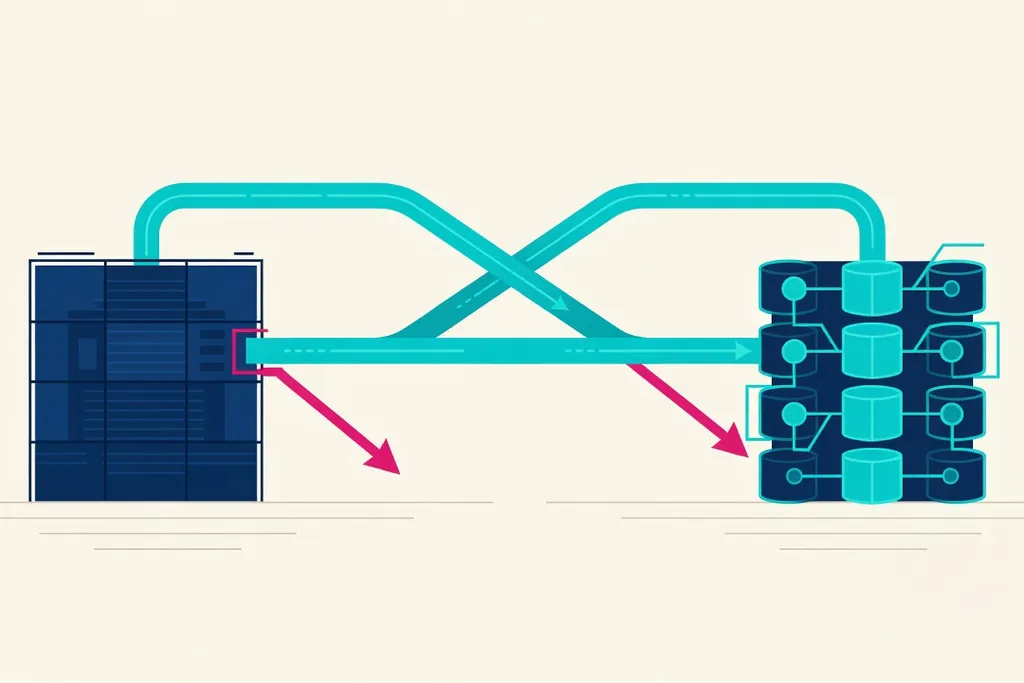
Once the backfill is complete and dual-writes are stable, the target database should theoretically be a mirror of the source. However, theory rarely survives production reality. Shadow traffic is the process of replaying live production read queries against the target database and comparing the results with the source, without returning the target’s results to the user. This is where you test access path considerations when moving between storage engines. A query that is efficient in a B-Tree-based relational database might trigger a full table scan in an LSM-Tree-based NoSQL store.
Shadow traffic allows you to validate both correctness and performance. You should log any discrepancies between the result sets of the source and target. Common causes of mismatches include subtle differences in collation, rounding errors in floating-point numbers, or eventual consistency lag where the target hasn’t yet seen a write that the source has. Performance-wise, shadow traffic provides a realistic preview of the target’s tail latency (P99). If the target database shows significant latency spikes under shadow load, you must tune your indexes or data model before proceeding to cutover. This phase acts as the final “burn-in” period, proving that the new infrastructure can handle the rigors of the production workload.
Step 5: Cutover Checklist
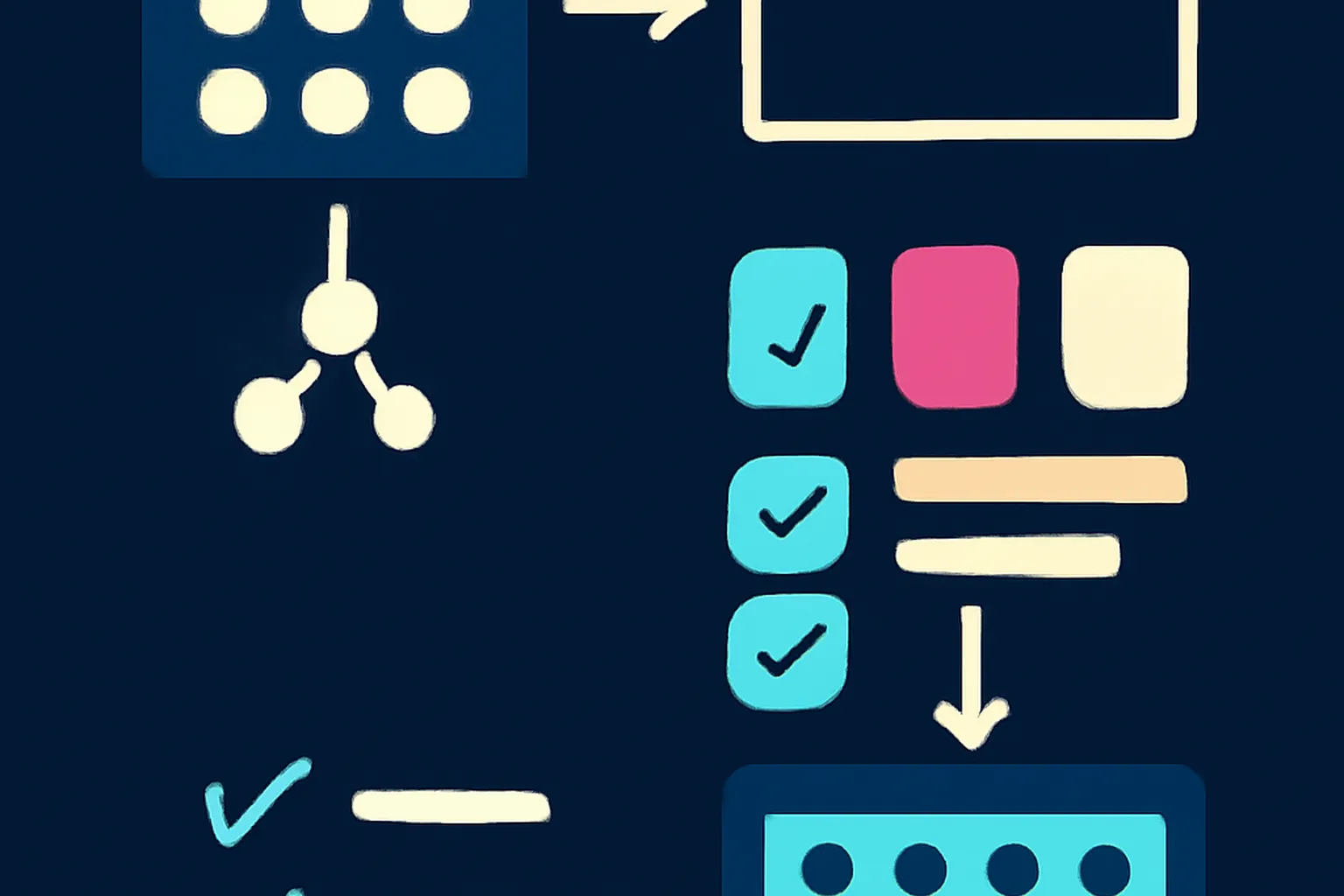
The cutover is the moment when the application begins reading from the new database. This should not be a “big bang” event but a controlled, incremental shift. Before flipping the switch, a formal verification of the environment is required.
- Verify Backfill Completion: Ensure the backfill cursor has reached the end of the source dataset and no new records are missing.
- Audit Data Parity: Run a final sampling of records across both systems to ensure checksums or version numbers match.
- Confirm Monitoring is Live: Ensure all dashboards for the new database (CPU, I/O, latency, error rates) are functional and alerting is configured.
- Validate Connection Pools: Confirm the application tier is configured with the correct connection settings for the new engine, including retry logic and timeouts.
- Secure “Source of Truth” Lock: Have a script ready to toggle the application’s read/write logic, ideally via a feature flag.
- Notify Stakeholders: Ensure the on-call rotation and relevant engineering teams are aware of the exact cutover window.
Step 6: Rollback Planning
A migration without a rollback plan is a gamble. The most important aspect of a rollback plan is the “reverse dual-write.” After you cut over reads to the new system, you should continue writing to the old system for a period of time. This ensures that if you encounter a critical bug in the new system and need to switch back, the old system is still up-to-date and ready to take over without data loss.
| Signal | Threshold | Action |
|---|---|---|
| Read Latency (P99) | > 2x Baseline for 5 mins | Revert reads to source; investigate indexes |
| Error Rate (5xx) | > 1% increase | Immediate rollback to source |
| Data Mismatch | Any critical field drift | Halt migration; trigger reconciliation |
| Target CPU | > 80% sustained | Throttled rollback or capacity increase |
The decision to roll back must be based on objective triggers defined in the table above. If the target system exceeds these thresholds, the team should have a “one-button” revert mechanism. This is usually a configuration change that redirects read traffic back to the legacy database. Because dual-writes were maintained, the legacy database is a hot standby, making the rollback nearly instantaneous.
Migration Pattern Comparison
Choosing the right pattern depends on your scale, risk tolerance, and the architectural differences between your systems.
| Pattern | What It Does | Risk Level | Best For |
|---|---|---|---|
| Dual-write | Writes to both systems simultaneously | Medium | Zero-downtime migrations at scale |
| Backfill | Migrates historical data in background | Low | Large datasets that can’t be moved in one window |
| Shadow traffic | Replays reads to test new system | Low | Validating performance and correctness |
| Big-bang cutover | Stop, migrate, and restart | High | Small datasets or non-critical internal tools |
Signs You’re Ready to Stop Dual-Writing
Stopping the dual-write is the final stage of the migration. It signifies that you have fully committed to the new system and are ready to decommission the legacy infrastructure. Do not rush this step — the same discipline described in our companion piece on Kafka-style streaming infrastructure applies to cutting over the last consumers of a legacy log.
- Zero Mismatches in Shadow Traffic: You have seen 0% data drift over at least 72 hours of peak production traffic.
- Performance Stability: The new system’s latency and error rates have remained within acceptable bounds through at least one full weekly business cycle.
- Successful “Reverse” Test: You have verified that you can still read from the old system if needed, but no application logic has required it for several days.
- Backfill Integrity Check: A final exhaustive audit of a random 1% sample of the entire dataset shows perfect parity between the systems.
- Operational Confidence: The SRE and DevOps teams are comfortable managing the new system’s failure modes and scaling characteristics.
Common Migration Mistakes to Avoid
Even with a perfect plan, certain pitfalls frequently catch engineering teams off guard. Avoiding these requires a combination of architectural foresight and disciplined backend migration tooling and deployment practices.
- Ignoring the “Delete” Problem: Many teams forget to sync deletes. If a record is deleted in the source but the dual-write delete fails or the backfill already processed it, you end up with “ghost” data in the new system.
- Overloading the Source: Running an aggressive backfill can starve the legacy database of resources, causing an outage in the very system you are trying to migrate away from.
- Inconsistent Timeouts: If the target database has a shorter timeout than the source, your application might report a success on the source but a failure on the target, leading to drift.
- Schema Rigidity: Trying to force a NoSQL target to behave exactly like a relational source often leads to poor performance. Embrace the target’s native data modeling strengths.
- Lack of Idempotency: If your backfill or dual-write retry logic isn’t idempotent, a single network hiccup can lead to duplicate records or corrupted counters.
Note: Data migration is 10% moving data and 90% ensuring the data you moved is actually what the application expects to see.
FAQ
Q: What is a dual-write migration pattern?
A: Dual-write means the application writes to both the old and new database simultaneously during migration, keeping them in sync while reads still come from the old system until cutover. This approach minimizes downtime by ensuring the new system is populated with real-time data before it becomes the primary source of truth.
Q: What is shadow traffic in a database migration?
A: Shadow traffic replays real production reads against the new database in parallel with the old one, without serving the results to users, to validate correctness and performance before cutover. It allows engineers to identify latent performance bottlenecks or data mapping errors without impacting the end-user experience.
Q: How long should a backfill take?
A: It depends on data volume and throughput limits, but teams should budget for backfill to run well under the dual-write window and build in retry/resume capability rather than assuming a single uninterrupted pass. Most large-scale migrations plan for backfills to take anywhere from several days to a few weeks depending on the I/O constraints of the production environment.
Q: What should a rollback plan include?
A: A rollback plan needs a clear trigger threshold (error rate, latency, data mismatch rate), a fast switch back to reading from the old system, and confirmation that dual-writes kept the old system caught up throughout the migration window. It must be documented and practiced so that the team can execute it calmly under the pressure of a potential production outage.
Q: When should you stop dual-writing after cutover?
A: Only after a verification period (typically days to weeks) confirms the new system is stable and a full audit shows no unresolved data drift between the two systems. Once you stop dual-writing, the legacy system will begin to drift, making it much harder to return to the old database without complex manual reconciliation.